 Thesis Manager
 for Android
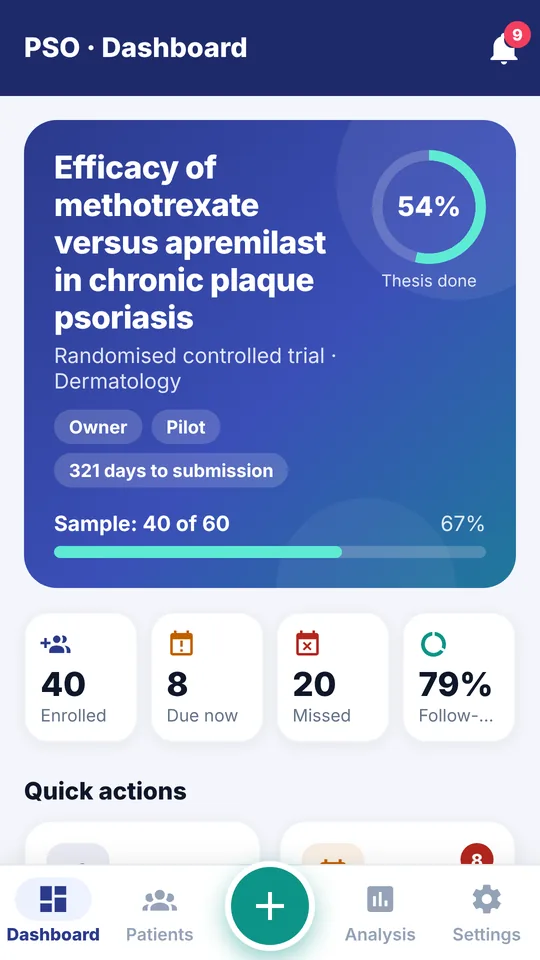
Scan OPD slips, get follow-up reminders and enter data on the ward round. Free for residents.
Download the app (APK)On a computer or iPhone? Open thesismanager.in/install on your Android phone, or use the web app right here.
Install in a minute
- Tap “Download the app”. If Chrome asks whether to keep the file, tap Download anyway.
- Open the downloaded file from the notification or from Files → Downloads.
- If asked, allow Install unknown apps for Chrome (or your file manager), then go back and tap Install.
- If Play Protect shows “Unsafe app blocked” or “unrecognised app”, tap More details → Install anyway. This appears because the app is not on Google Play yet.
- Open Thesis Manager, sign up with your email and tap Turn on for reminders.
Is it safe to install?
Yes. The file is built and signed by Thesis Manager and downloaded directly from our build service. It asks only for the camera (to scan OPD slips and reports) and notifications. Your study data is stored in India and is visible only to your team. Read the privacy policy.
The download won't open or install
Make sure the download finished, then open it from Files → Downloads. On some phones the setting is under Settings → Apps → Special app access → Install unknown apps → Chrome → Allow. Still stuck? WhatsApp us.
I have an iPhone
Use the web app at app.thesismanager.in — it has the same features and works in Safari. Tap Share → Add to Home Screen to use it like an app.